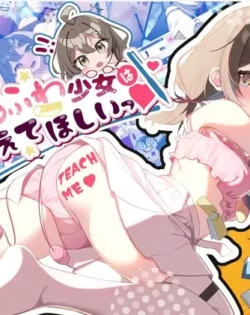
The Fluffy Girl Wants Me to Teach Her! 100% save file
Overview
Installation:
1. Close the game.
2. Open this folder (paste the path into the File Explorer address bar):
%userprofile%\AppData\LocalLow\Twinkle STARs\Yurufuwa
If it doesn't exist yet (game never launched), just create the
"Twinkle STARs" folder, then the "Yurufuwa" folder inside it.
Folder names must match exactly, including the space and capitals.
3. IMPORTANT: if a save.es3 file is already there, back it up first
(e.g. rename it to save.es3.bak). It will be replaced and any
in-progress playthroughs will be lost.
4. Copy the provided save.es3 into that folder.
5. Launch the game and open the Gallery.
| Development | Twinkle STARs |
|---|---|
| Platform | Windows |
| Categories/Type | 100% Saves |
Log in to leave a review.
No reviews yet. Be the first!